
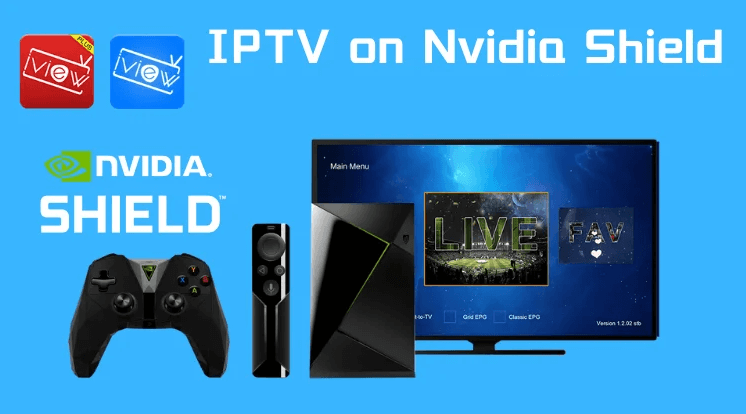
How to Install MARINIOS IPTV on NVIDIA Shield (Complete Guide)
Installing MARINIOS IPTV on an NVIDIA Shield is quick and easy. Since NVIDIA Shield runs on Android TV, it fully supports popular IPTV applications available on the Google Play Store, as well as manual installation if needed. Follow this complete step-by-step guide to start watching live TV channels and Video on Demand (VOD) in HD and 4K. Step 1: Allow Apps from Unknown Sources (Optional) This step is only required if you plan to install an IPTV app manually (APK file). This allows the installation of apps outside the Google Play Store. Step 2: Install an IPTV Player from Google Play Store MARINIOS IPTV works smoothly with several IPTV players, including: To install an IPTV player: Step 3: Add Your MARINIOS IPTV Subscription Details After installing the IPTV player: These details are provided to you after subscribing to MARINIOS IPTV. 🔗 Subscribe or view plans here Step 4: Start Streaming Once your login details are entered: Enjoy smooth streaming optimized for NVIDIA Shield. Optional: Sideloading IPTV Apps If your preferred IPTV player is not available on the Play Store: Tips for Smooth Streaming If you experience any issues, contact MARINIOS IPTV support for help. 🔗 Support page Conclusion Using MARINIOS IPTV on NVIDIA Shield provides a fast, stable, and high-quality IPTV experience. With the right app and proper setup, you can enjoy live TV and VOD content effortlessly on one of the best Android TV devices available.